
This Blueprint generates a PHP snippet that registers a custom Elementor Dynamic Tag. The generated code creates a custom Elementor dynamic tag class, registers it with Elementor, and outputs a value from a selected source such as post meta, user meta, a WordPress option, the current date, or custom PHP code.
Use this Blueprint when you want to expose custom dynamic content inside Elementor widgets that support dynamic tags, without manually writing the Elementor tag boilerplate.
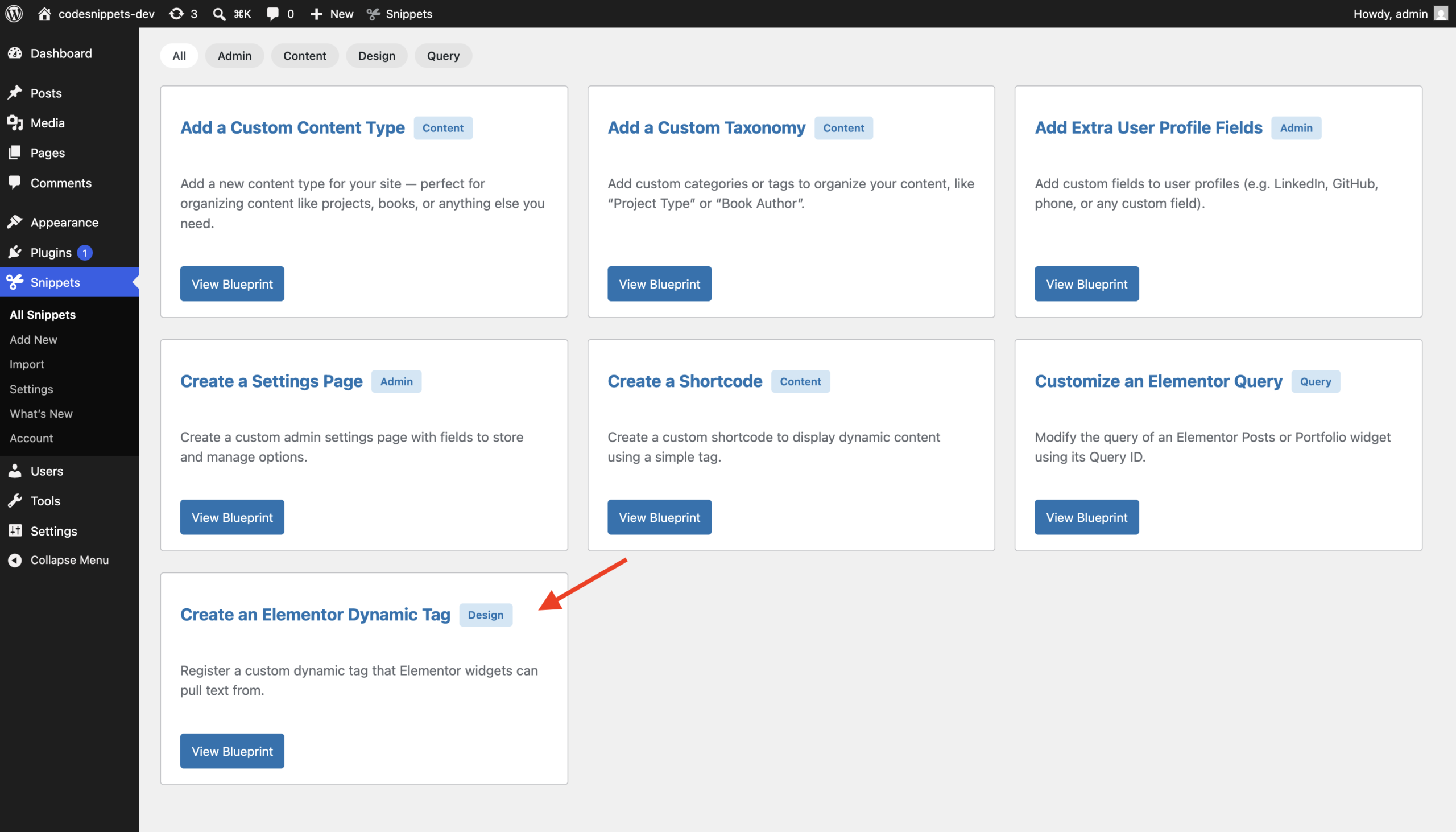
Before You Start
Try it immediately
This Blueprint includes a ready-to-use example configuration. If you generate the code and save it as a snippet without changing any fields, WordPress will register a working Elementor Dynamic Tag.
You can keep the default values for testing or customize them to create your own tag.
Elementor requirement
Elementor must be active for the generated snippet to run. The tag is registered in Elementor’s Dynamic Tags system and will only appear in Elementor fields that support dynamic tags.
Unique identifiers
You should ensure the following identifier is unique among your Elementor tags: Tag Name
This value is used internally by Elementor to identify the tag.
Configuration
General
Basic configuration for the Elementor Dynamic Tag.
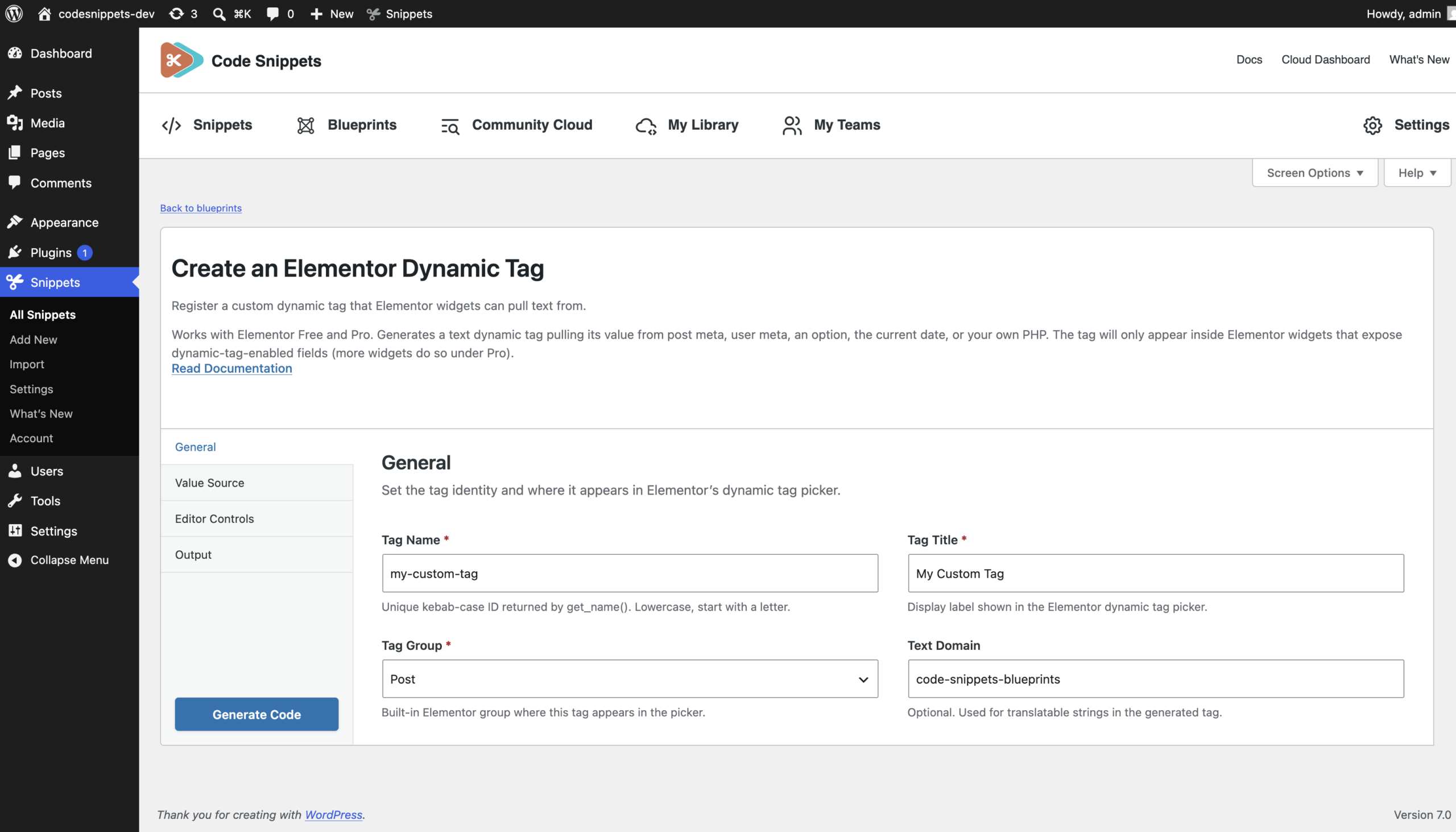
Tag Name (required)
The internal identifier used by Elementor for the dynamic tag. Example: my-custom-tag
Rules:
- Required
- Must start with a lowercase letter
- Lowercase letters, numbers, underscores, and hyphens only
- No spaces allowed
Tag Title (required)
The label displayed in Elementor’s dynamic tag picker.
Example: My Custom Tag
Rules:
- Required
Tag Group (required)
Defines the group where the tag appears inside Elementor.
Options:
- Post
- Site
- Author
- Archive
- Actions
Text Domain (optional)
The text domain used for translating labels in the generated code. Example: code-snippets-blueprints
Rules:
- Letters, numbers, underscores, or hyphens only
Value Source
Controls where the dynamic tag value comes from.
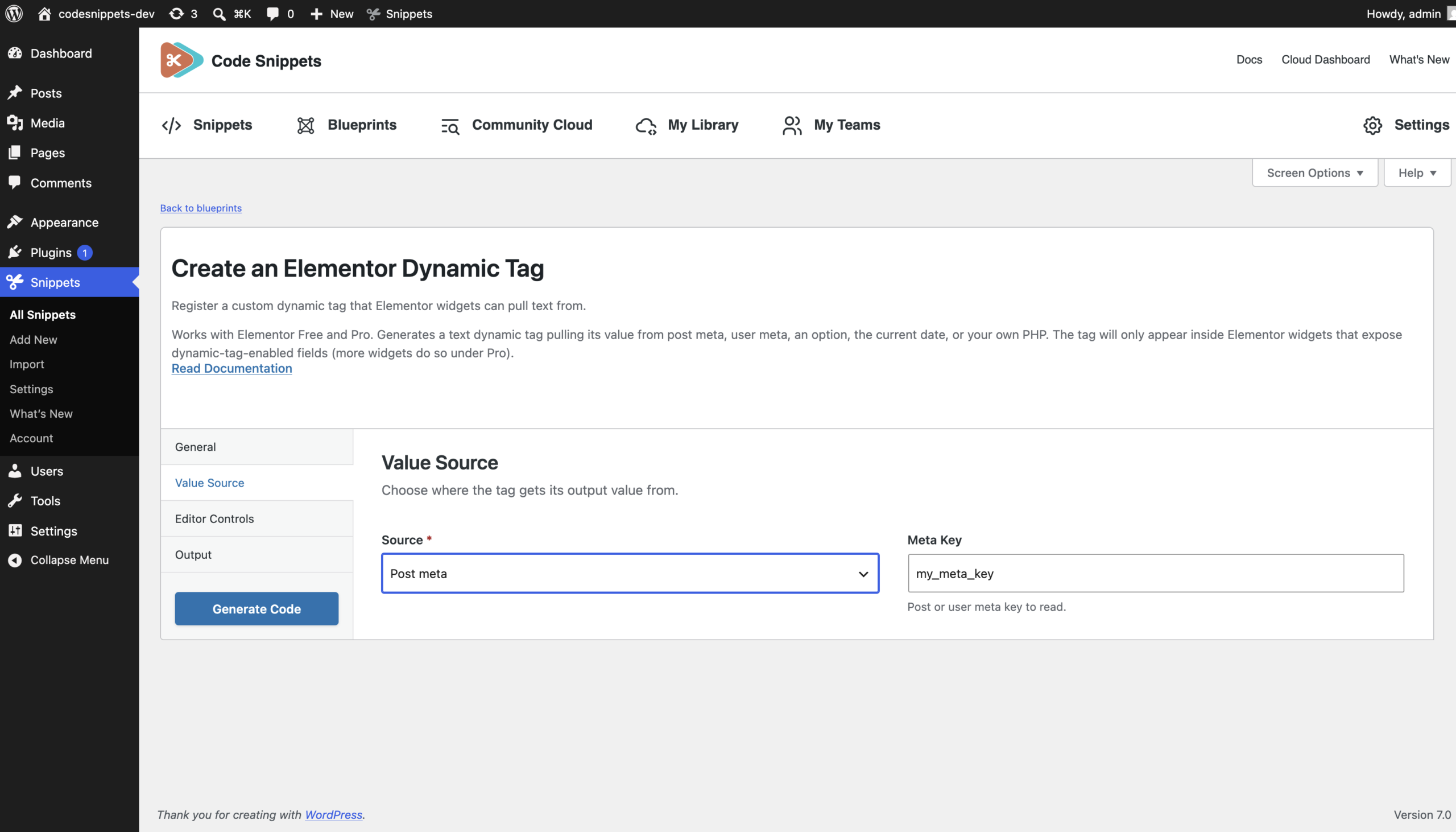
Value Source (required)
Defines how the generated tag retrieves its output.
Options:
- Post Meta
- User Meta
- Option
- Current Date
- Custom PHP
Meta Key (required for Post Meta and User Meta)
The meta key used to retrieve the value.
Examples: subtitle or custom_author_label
For Post Meta, the generated code uses the current post ID and for User Meta, the generated code uses the current user ID.
Option Name (required for Option)
The WordPress option name used to retrieve the value.
Example: blogname
Date Format (required for Current Date)
The date format passed to wp_date().
Example: Y-m-d
Custom PHP (required for Custom PHP)
Custom PHP code used to return the dynamic tag value. The generated code wraps this inside a function and uses the returned value as the tag output.
Example: return get_bloginfo( ‘name’ );
Only use trusted code here.
Editor Controls
Optional Elementor controls added to the dynamic tag.
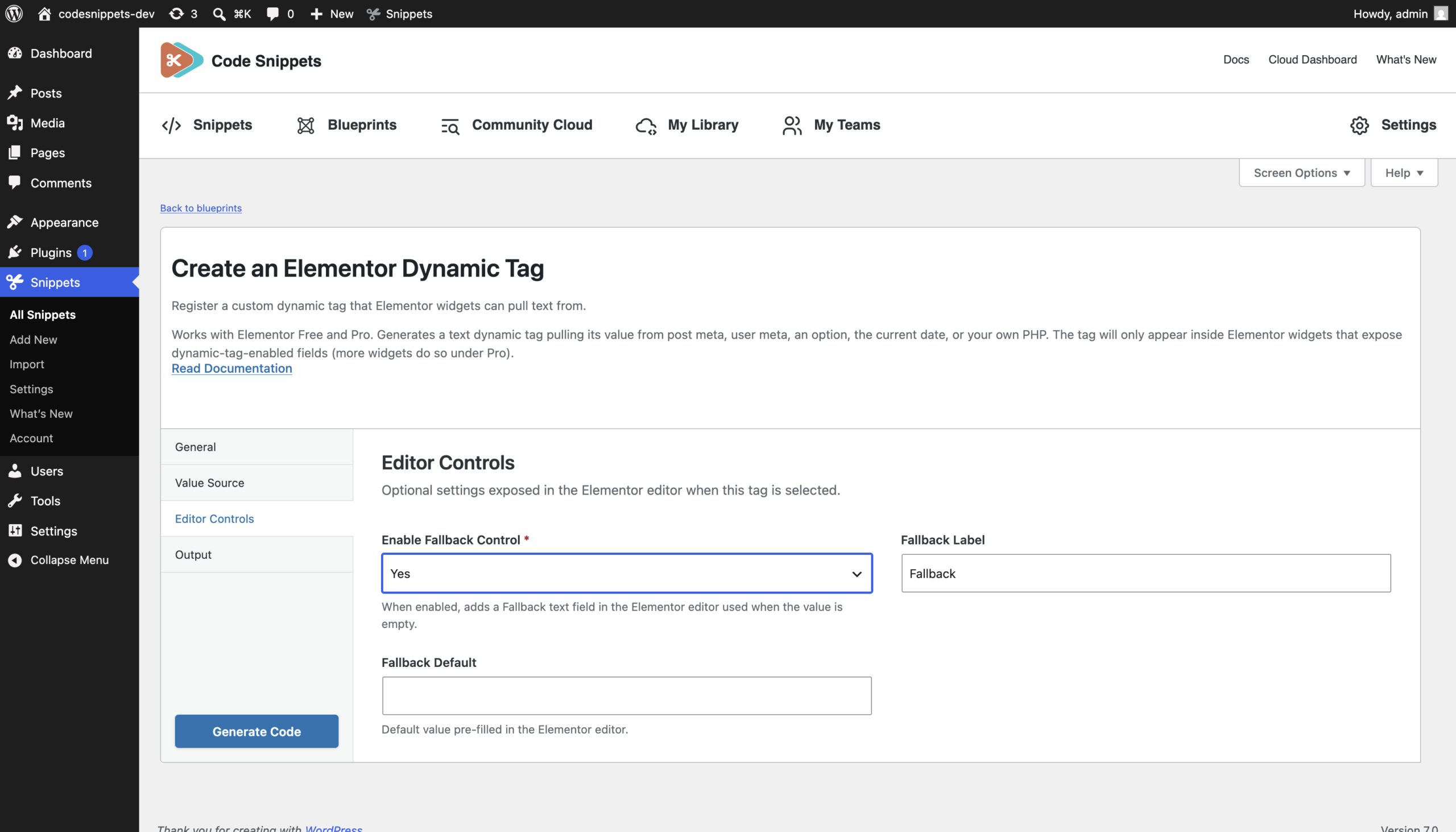
Enable Fallback (required)
Determines whether the generated tag includes a fallback text control. When enabled, Elementor users can enter a fallback value that is used when the main value is empty.
Fallback Control Label (required when fallback is enabled)
The label shown for the fallback control. Example: Fallback
Fallback Default (optional)
The default fallback value. Example: No value available
Output
Controls how the dynamic tag output is escaped.
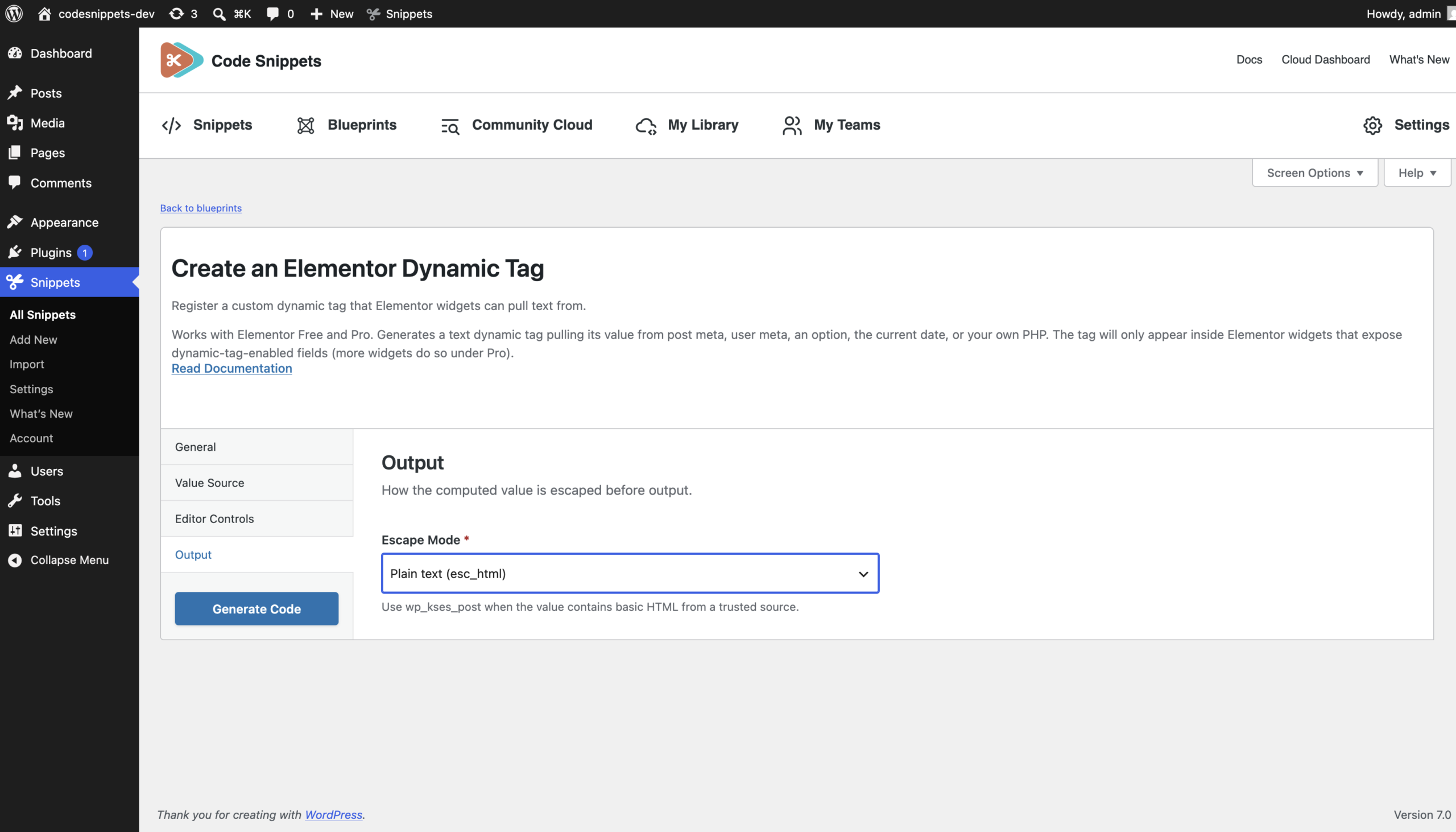
Escape Mode (required)
Defines how the generated tag escapes the final output.
Options:
esc_html— Use for plain text output.wp_kses_post— Use when the value may contain safe post HTML.
After Saving
Once saved, the generated code becomes a normal snippet. You can edit the snippet later to customize the Elementor tag, adjust the value source, add more controls, or modify the generated PHP code.