
How to Build a Flexible WordPress Booking System for Services, Staff, and Locations
A truly useful WordPress booking system needs to do far more than just display a basic calendar. When your business manages multiple services, team members, physical locations, capacity limits, and custom payment rules, your form must be smart enough to display only the choices that genuinely work together. Appt Booker is a free, open-source code […]
How to Use Elementor V4 Variables in the WordPress Menu Widget 🚀
Elementor’s WordPress Menu widget often creates a frustrating gap in an otherwise unified V4 design system. You might have perfect atomic variables for brand colors, font families, and responsive, clamp-based sizes. However, the menu controls usually restrict you to Elementor’s older, legacy global styling options. The best solution is to use the Code Snippets plugin […]
Code Snippets 4.0 Core Beta: A Complete Admin Redesign
Code Snippets 4.0 is the biggest update to the free plugin in years, and it brings a full redesign of how you manage your code. We rebuilt the admin experience, improved the snippets table, added safeguards for important code, improved error handling, and gave the plugin a major accessibility pass. The core 4.0 workflow improvements […]
Birthday Vault Last Chance: 24 Hours Left
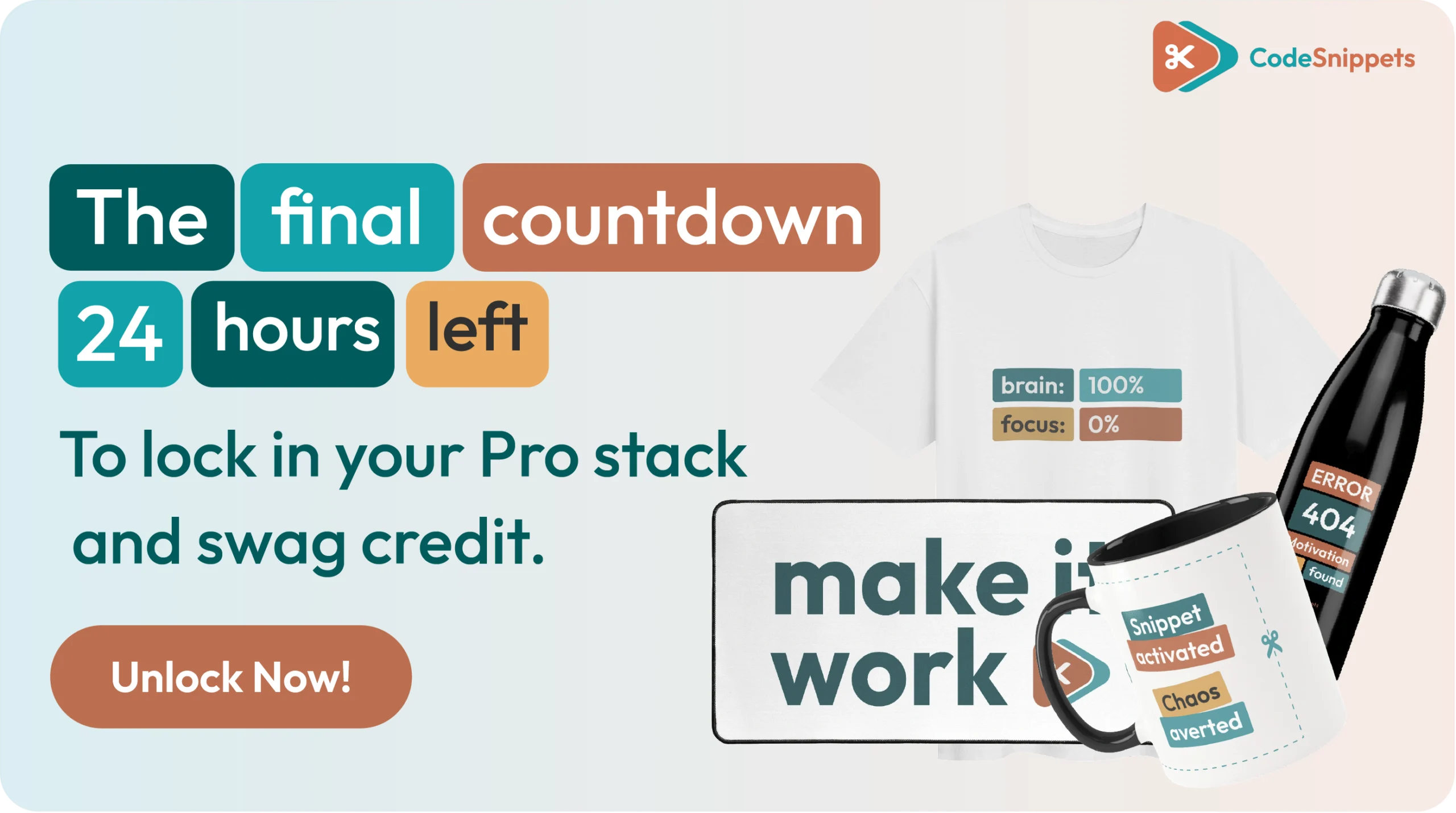
This is your final call. For the past three days we’ve been celebrating 14 years of clean code, and this is the Birthday Vault last chance before it locks. In about 24 hours, at midnight the vault closes, standard pricing returns, and the birthday swag credit expires for good. ⏳ If you’re still managing custom […]
Code Snippets Birthday Vault: 14 Years of Clean Code
Fourteen years ago, Code Snippets started with one disruptive idea: managing custom site logic shouldn’t mean heavy single-use plugins or messy child themes. We set out to build a lean, modular layer for professional web engineers. Today, thanks to a global community of developers and agencies, it’s a standard for clean WordPress architecture — and […]
Code Snippets 14th Birthday: We’re Popping the Champagne
Grab a glass, because it’s the Code Snippets 14th birthday and we’re popping the champagne. 🎉 Fourteen years ago, we set out to fix one really annoying problem. And somehow, that small fix grew into a tool that now runs on over a million sites. So today isn’t about us. In fact, it’s all about […]
Beyond the Dashboard: The Code Snippets Swag Store is Live
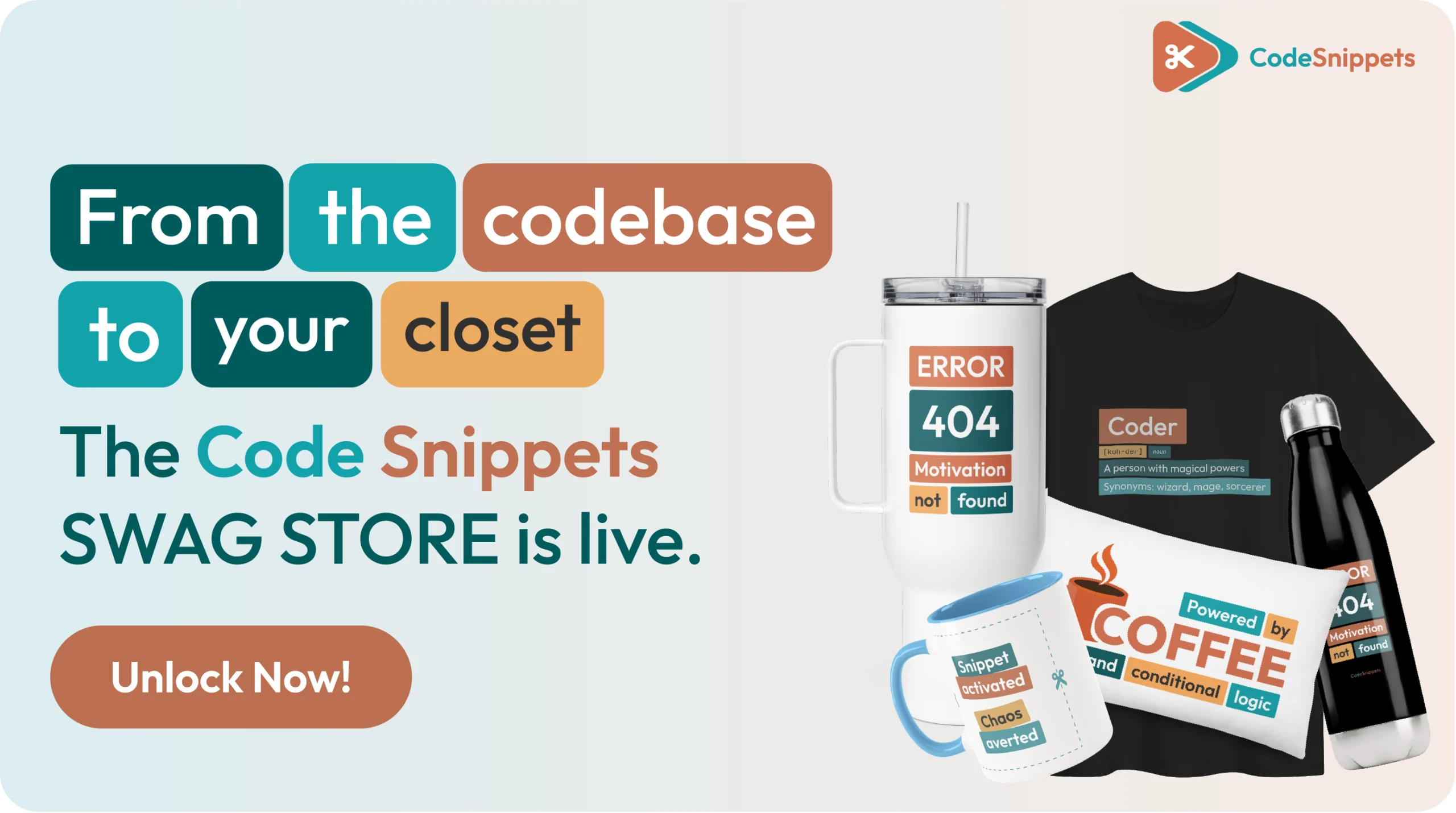
For 14 years, Code Snippets has worked quietly behind the scenes of your WordPress builds, tuning runtime speed, cloud logic delivery, and database queries so your client sites stay fast. Today, we’re stepping out of the codebase and into your closet. The Code Snippets swag store is officially live. 🎉 You already know that peak […]
How to Architect a WooCommerce Recent Sales Popup Using a Code Snippet
A recent sales popup is a powerful psychological trigger. Specifically, it displays small notifications that highlight real-time store activity. For WooCommerce owners, this social proof can significantly increase conversion rates. However, many developers avoid this feature because they want to skip the weight of a dedicated, bulky plugin. By using a code snippet, you can […]
Surgical Speed: Add Quick Access Links to Your WordPress Dashboard
If you open the same WordPress admin pages repeatedly, you are burning valuable development time. Instead of constantly hovering through deep, nested sidebars, you can place your favorite settings directly on the main dashboard screen for instant, one-click execution. Specifically, this workflow optimization is incredibly powerful for pages hidden deep inside submenus. For example, it […]
The Ultimate Developer Power Stack: Celebrating Crocoblock’s 8th Birthday

When it comes to building high-performance WordPress websites, professional creators understand that tools must complement each other. Specifically, your front-end visual architecture needs to work in perfect harmony with your back-end code logic. That is why we are thrilled to celebrate a massive milestone with our friends over at Crocoblock. Our ecosystem partner is officially […]
How to Drag and Drop Reorder WordPress Pages, Posts, and Products
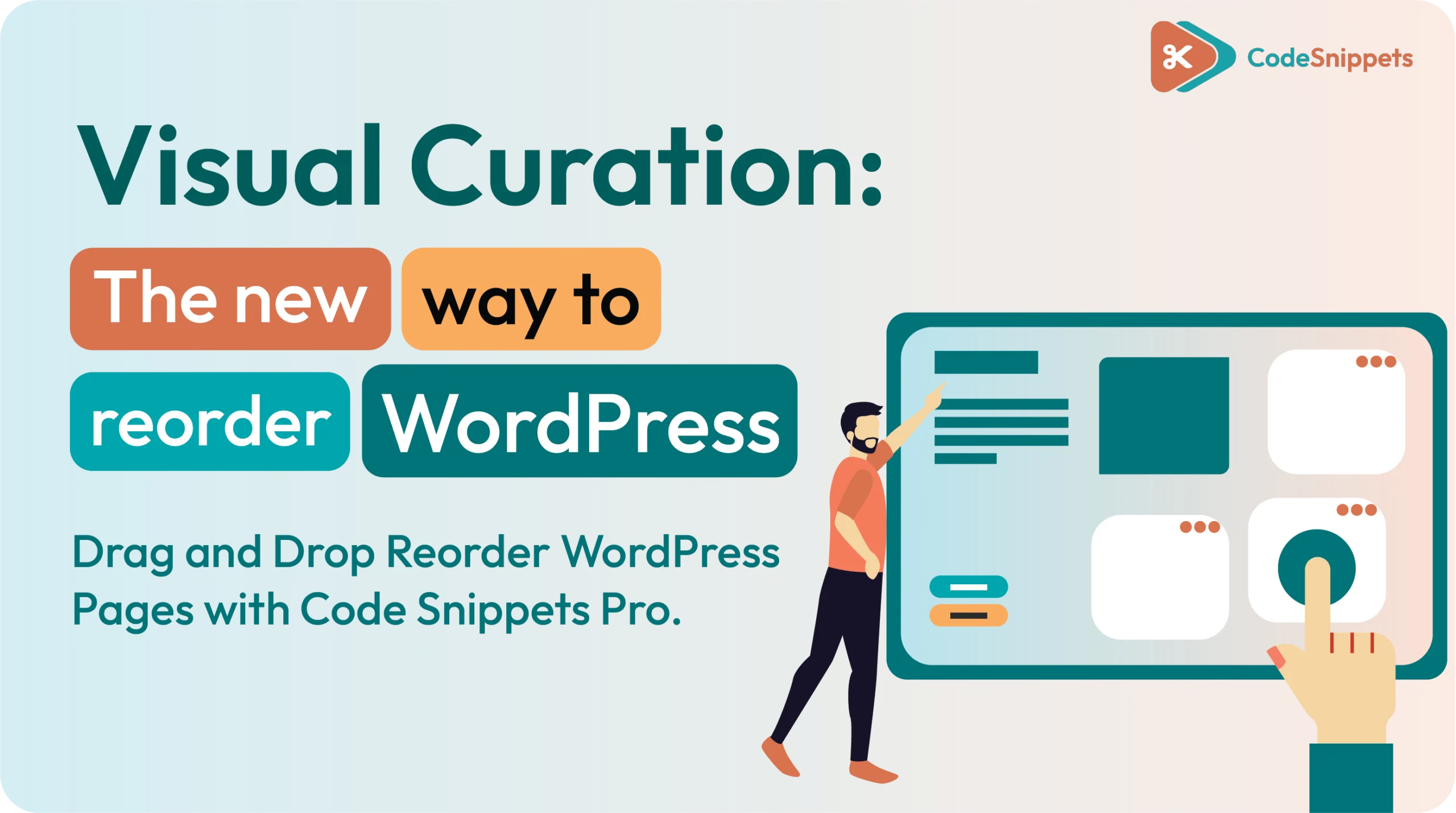
Reordering content in WordPress can be surprisingly awkward if you rely on default dates, titles, or manual menu settings. Specifically, if you want to change the sequence of pages, posts, or products quickly, a drag-and-drop approach is the most intuitive solution. By using a code snippet, you can enable a visual sorting interface directly within […]
Code Snippets Welcomes GenerateWP: The Future of Blueprints 🤝
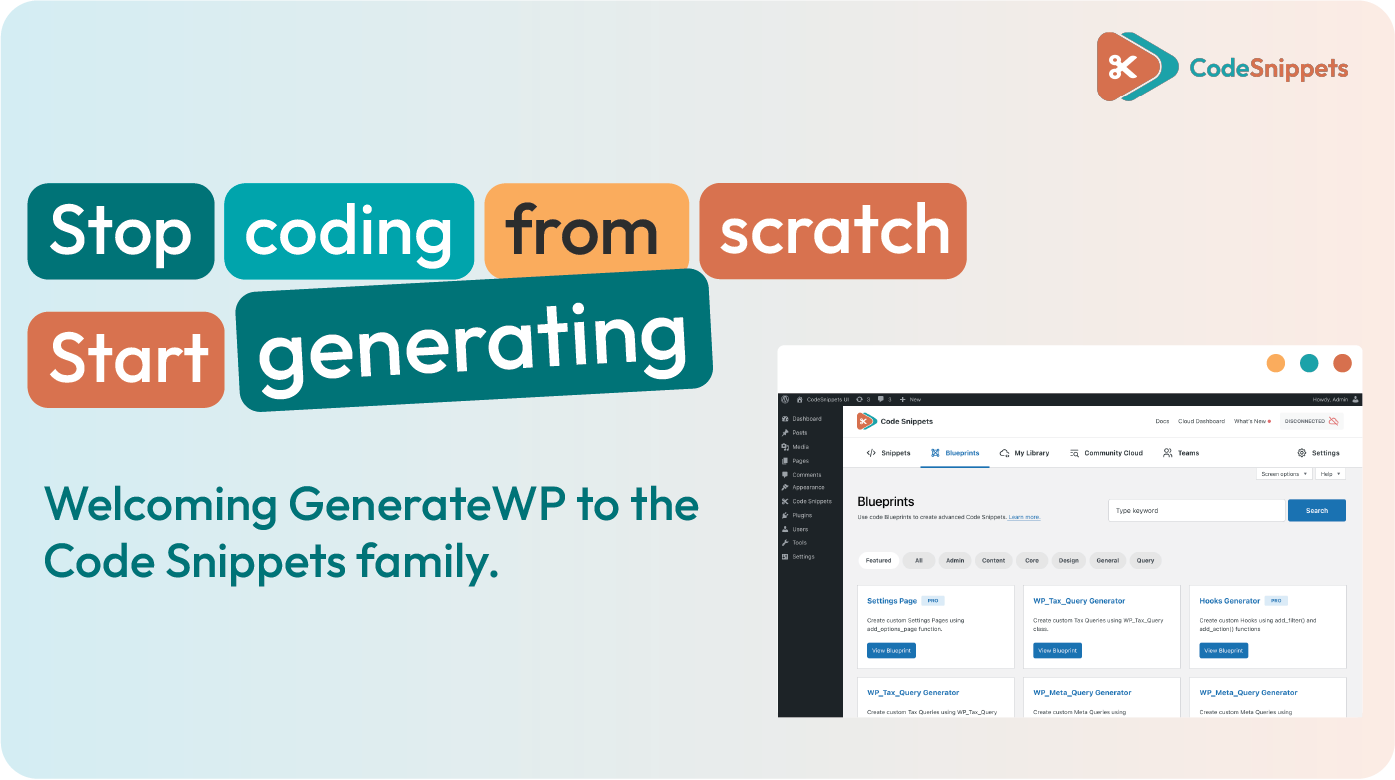
We are proud to announce that GenerateWP has officially joined the Code Snippets family. This partnership marks a significant shift in how WordPress developers build, moving from manual code generation to a fully integrated, automated workflow. 🚀 What This Means for You This transition preserves the expertise you trust while accelerating innovation. The original creator […]
Generate Social Posts from WordPress Content Without AI or API Credits
If you have content, you already have social leverage. Stop paying for AI credits to summarize what already lives in your database. 🏛️ This surgical approach lets you scan blog posts, products, or CPTs. You can create social-ready copy for X, LinkedIn, or your scheduler—without the “AI Tax.” Consequently, this is the “New Way” for […]
Meet the Team: Atif Riaz, the “Chief Cloud” Architect
5 Plugins You Can Replace with a Single Snippet
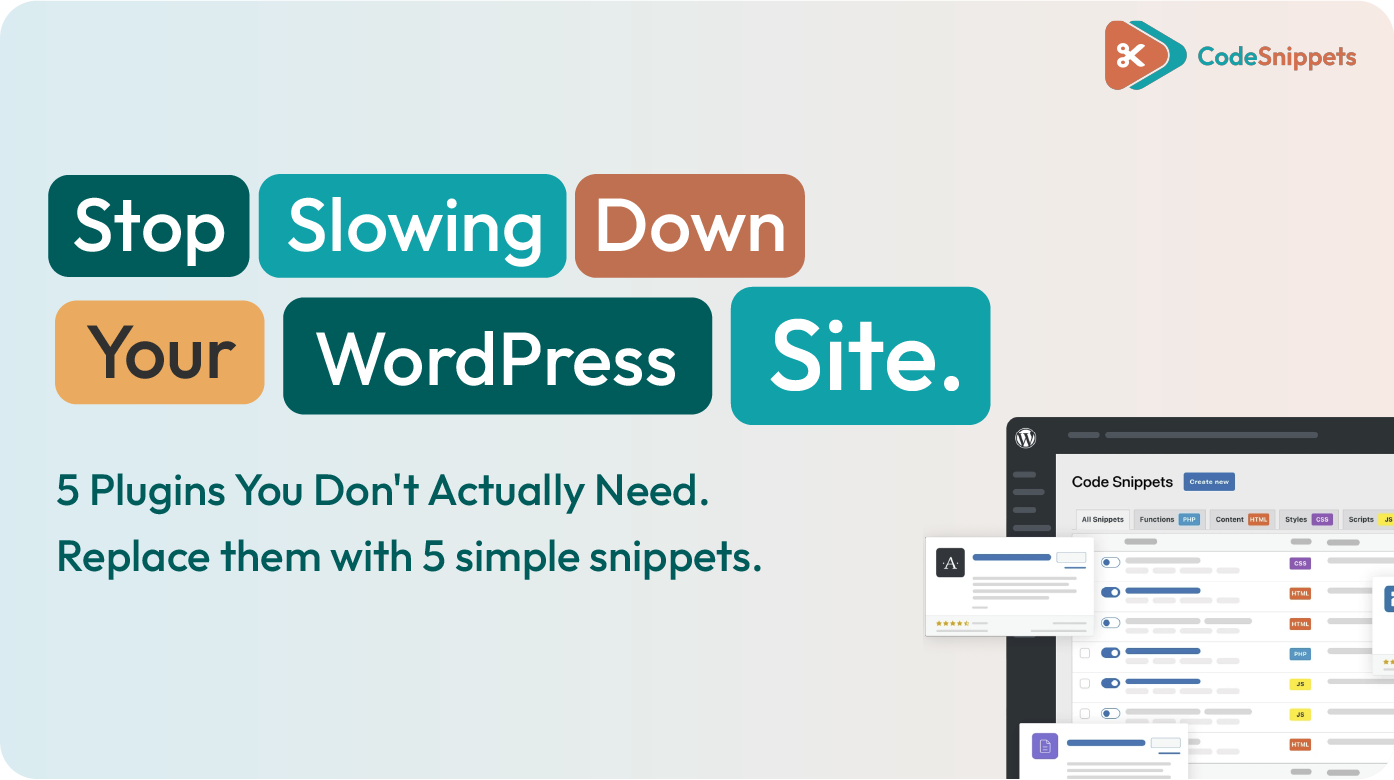
We’ve all been there. You need one tiny feature—like uploading an SVG or changing a login logo—so you search the repository. Suddenly, you’ve installed a 2MB plugin that loads five scripts on every page just to do one thing. That’s the Old Way. It’s heavy, it’s cluttered, and it’s unnecessary. In the New Way, we […]
Elementor Fluid Typography (V3 & V4): The Font Clamp Workflow
Fluid typography is the secret to a professional site. Instead of fighting with fixed font sizes at every breakpoint, a Font Clamp lets your text resize smoothly. Consequently, you save hours of manual tweaking. We are moving away from “fixed” thinking. This guide shows you how to use a Font Clamp Calculator that works for […]
The Only Free PDF Viewer for WordPress You Need!
If you want PDFs on your WordPress site that feel like a modern, interactive reader – rather than a clunky download link – you don’t need to buy a bloated plugin. 🛑📉 By using a high-performance PDF Viewer code snippet, you can turn any plain PDF into a premium on-page experience. We’re talking smooth scrolling, […]
Maps for Your Elementor Loop Grid: Loop Map Snippet
If you are using the Elementor Loop Grid, you already know the power of pulling content into a clean, dynamic layout. But grids have one limitation: users often need to “mentally map” where those items actually are. That’s where the Loop Map comes in. This professional-grade workflow allows you to place your Loop Grid items […]
Show Custom ACF Fields in the Text Editor (Elementor/WordPress)
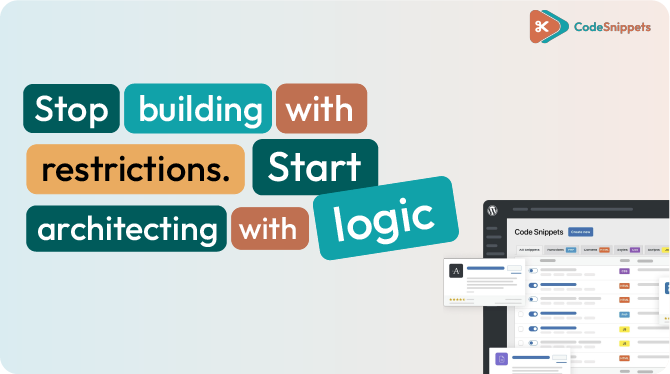
Want to insert Advanced Custom Fields (ACF) values directly into a rich text area instead of being limited to a single dynamic tag? This guide explains how to output ACF values inside any WordPress editor using a lightweight, professional snippet approach. Stop building with restrictions. Start building with logic. 🏎️💨 Why This Matters: Breaking the […]
Dealing with a 500 Error When Saving Snippets? Here’s the Fix 🛠️
There is nothing more frustrating than perfecting a piece of logic, hitting “Save,” and being met with the cold, gray wall of a 500 Internal Server Error. 📉 In the “Old Way” of WordPress, a 500 error was a total mystery—sending you digging through cryptic server logs while your site sat in limbo. In the […]
This Snippet Finds Your Unused Images (So You Can Delete Them Safely) 🛡️
If you’ve managed a WordPress site for more than a month, you know the pain. Your Media Library quickly becomes a graveyard of “Draft_v2” images, forgotten PDFs, and custom fonts from a redesign three years ago. The problem? WordPress doesn’t reliably tell you what is safe to delete. Standard “cleaner” plugins are often bloated, risky, […]
Replaced by a Snippet: 5 Plugins You Can Delete Today 🛠️
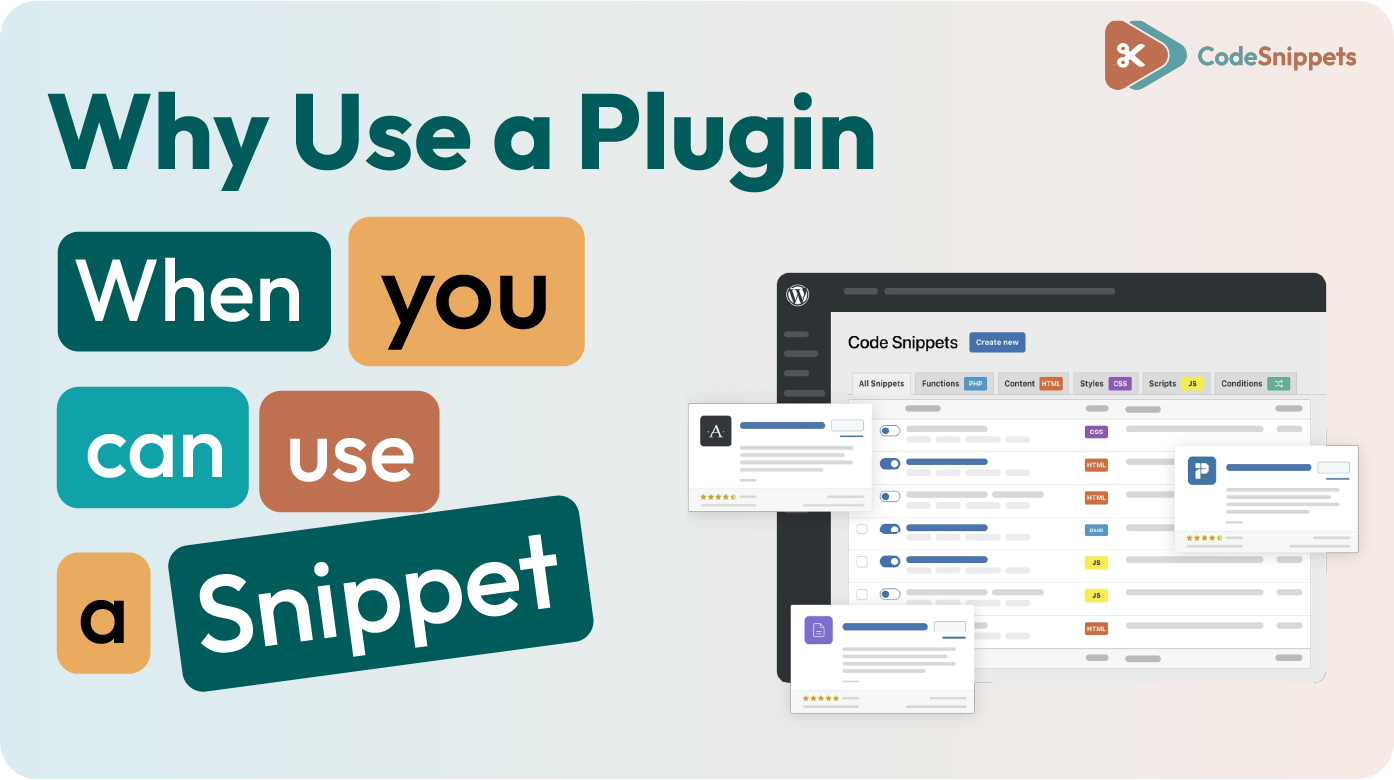
The “Old Way” of building WordPress sites is a game of “There’s a plugin for that.” Need to upload an SVG? Install a plugin. Want to disable the block editor? Install another. 🛑 Before you know it, your site is carrying 40+ plugins, each adding its own technical debt, security risks, and background processes. 📉 […]
How to Debug a WordPress Snippet Fatal Error (Without Being a Developer) 🛠️
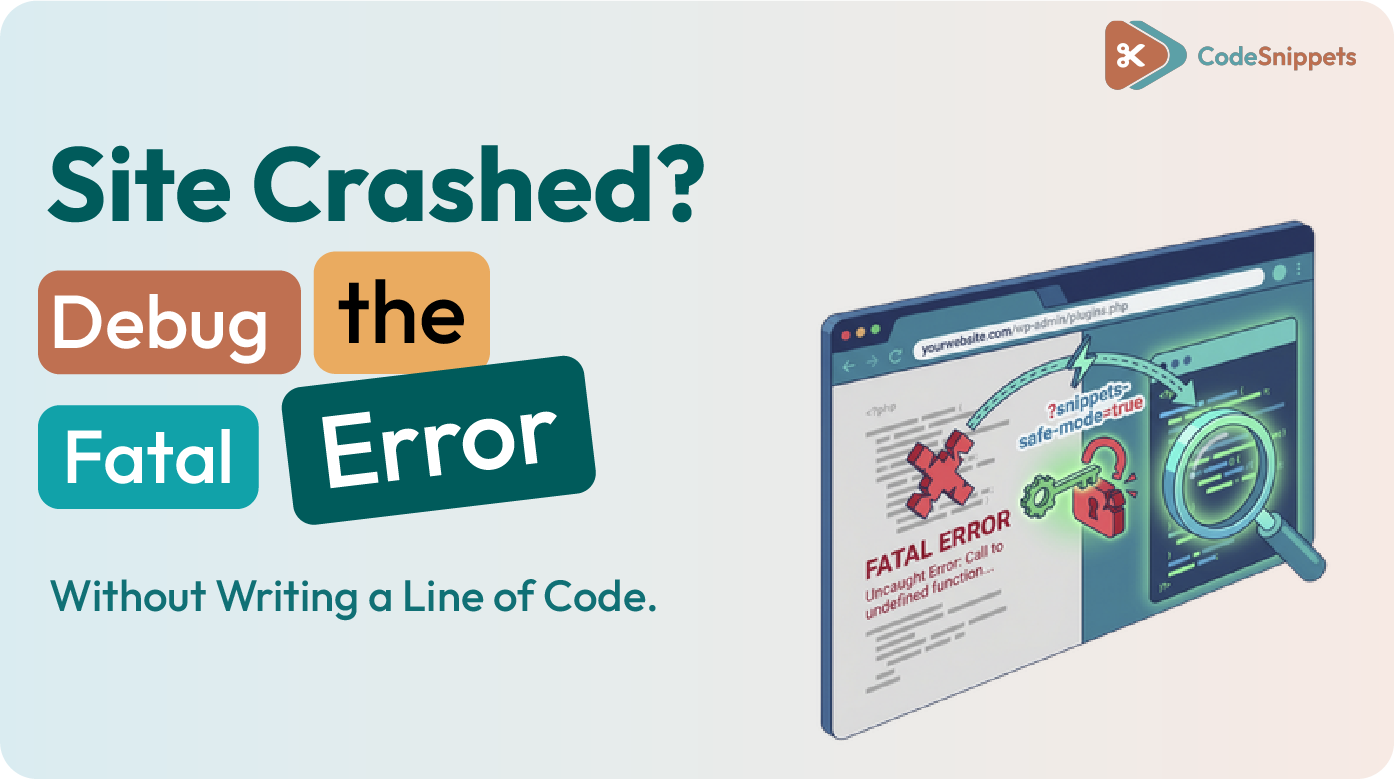
Finding a “Fatal Error” on your site is frustrating, especially if you don’t write PHP for a living. Most tutorials tell you to check server logs or edit wp-config.php via FTP, but there is a faster, cleaner way. 🛡️ If a snippet causes a crash, you don’t need to be a senior developer to fix […]
The 2026 WordPress Performance Stack: Why Infrastructure + Logic = Speed

The “Old Way” of managing WordPress is holding you back. 🛑 For years, developers and site owners have been trapped in a cycle of “fix and patch.” You add a plugin for speed, another for security, and then hack your functions.php file to make it all work. 🛠️ The result? A bloated site that’s slow, […]
The Code Snippets Pro Affiliate Program: Partner in the Evolution 🚀
If you are looking for a high paying WordPress affiliate program, you’ve found it. Join the community of developers and creators who are getting rewarded for defining the “New Way” of WordPress development. When you promote Code Snippets Pro, you aren’t just sharing a plugin – you’re sharing the industry standard for clean, safe, and […]
🎨 Export and Import Elementor v4 Variables and Classes
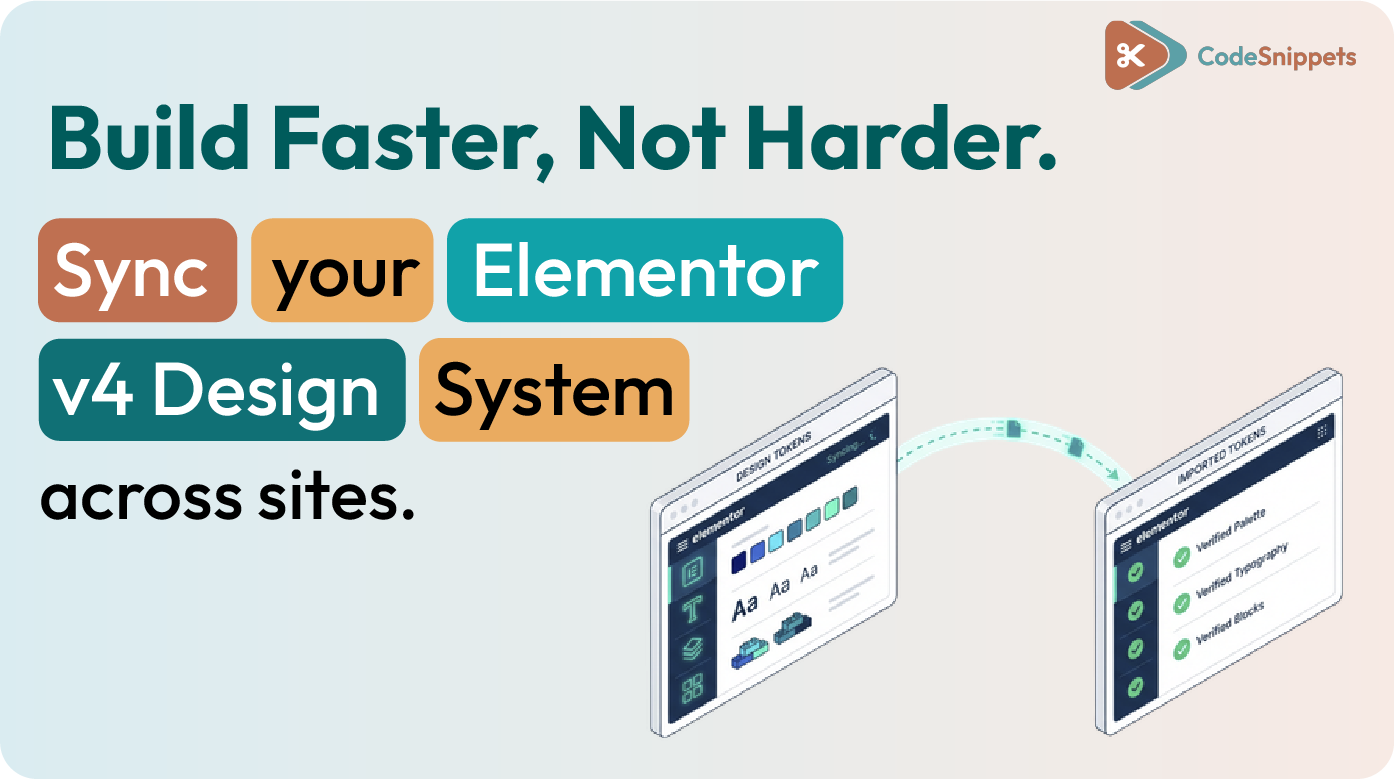
Moving a design system from one WordPress site to another saves hours of setup. Elementor version 4 introduced a dedicated tool for global variables and classes, allowing you to reuse colors, typography rules, and utility classes across projects instantly. 🏗️ What This Process Transfers This workflow is strictly for design tokens and class definitions. It […]
My Site Broke After Enabling a Snippet! 😱 Recovery and Prevention
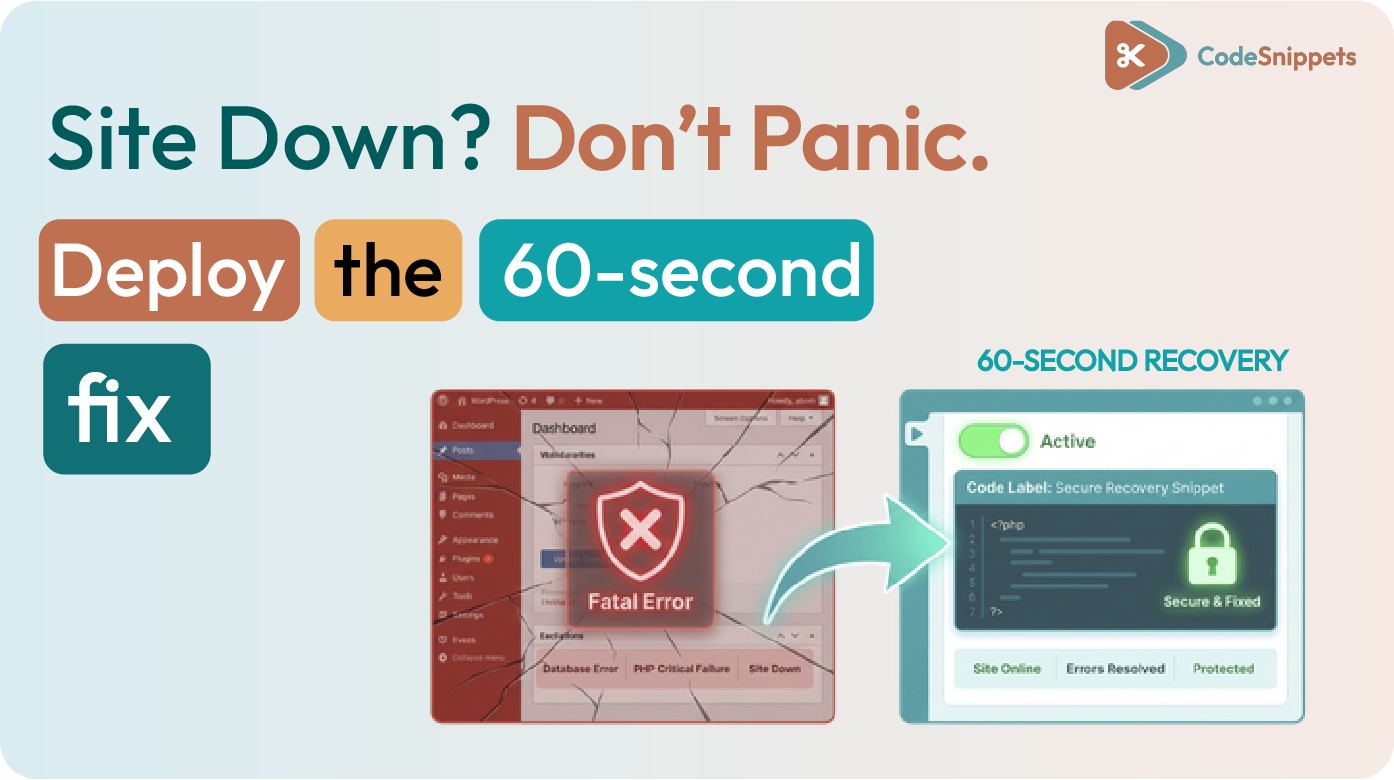
Activating an incompatible code snippet can cause an immediate site crash. 📉 If you lose access to your WordPress dashboard, you can recover the site without manually editing database files or using FTP. 🛠️ Immediate Recovery: Safe Mode ⚡ Code Snippets includes a built-in recovery mechanism called Safe Mode. This feature bypasses all active snippets, […]
Our Dashboard Just Got a Pro Upgrade: Welcome to the team, Carolina!
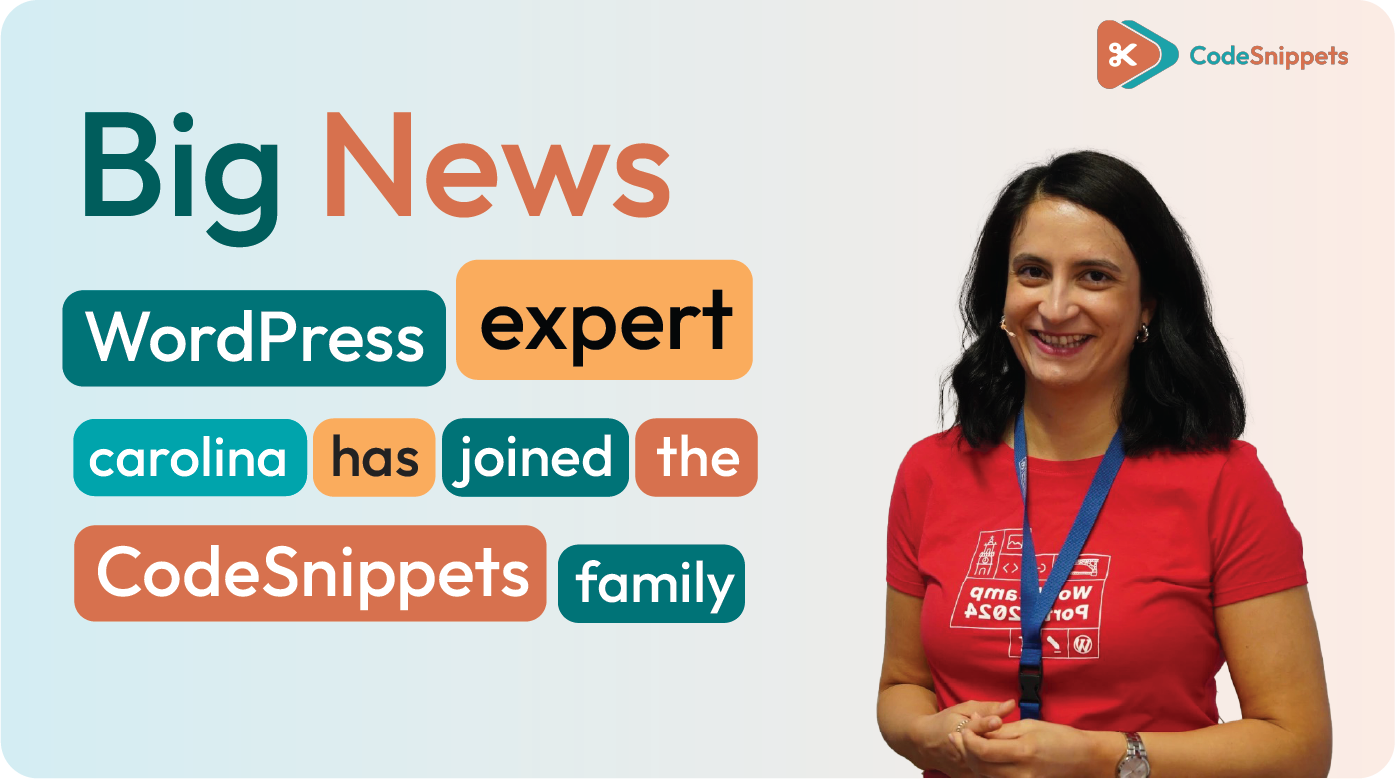
We’re excited to introduce Carolina Osório Pinho, the newest member of the Code Snippets family. Joining us from Portugal, Carolina brings over a decade of WordPress expertise, a deep commitment to community, and a genuine belief that technology should serve people—not the other way around. A Developer Who Builds with Purpose Carolina’s journey in WordPress […]
Love at First Snippet: Why Your WordPress Site Deserves a Pro Relationship this Valentine’s Day 💘
Is your relationship with your WordPress site feeling a bit… toxic? 🚩 If you’re still wrestling with a cluttered functions.php file, manual copy-pasting, and the constant fear of a site-crashing syntax error, it’s time to stop settling for a “situationship” with your code. We’re popping the question: Are you ready to build better? For 4 […]
Manage WordPress Code Snippets from the Admin Dashboard with a Snippet Switchboard
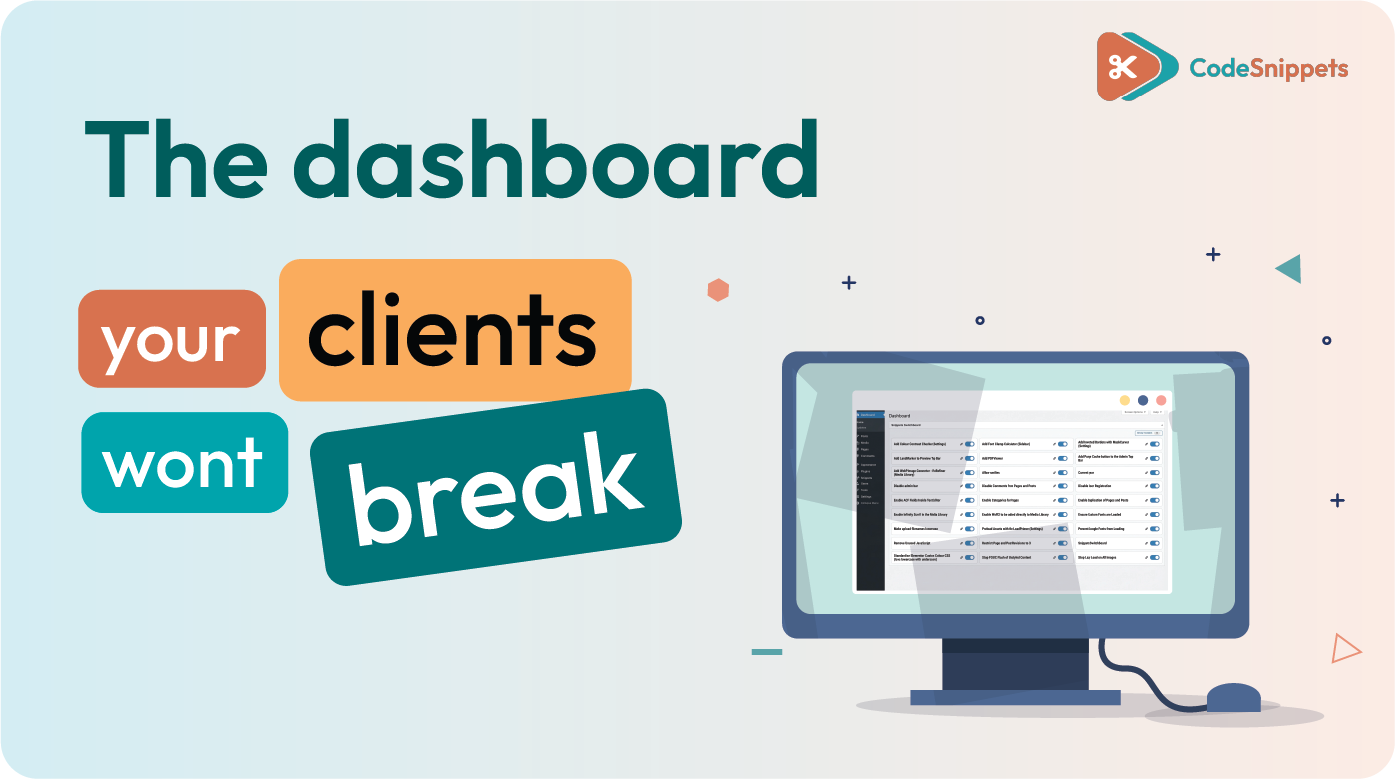
Managing dozens of PHP, JavaScript, and CSS snippets inside WordPress can get messy fast. Even with a snippet manager, scrolling through long lists just to toggle one feature slows you down — especially when you’re working on performance, accessibility, or client handoffs. That’s where a Snippet Switchboard comes in. When paired with Code Snippets Pro, […]