
This page is a placeholder for now, but exciting changes are on the horizon! In the future, this space will be transformed into a robust Prompt Library, filled with carefully curated prompts to help you make the most of the Code Snippets Plugin and streamline your workflows. In the meantime, we have a few tips for you that will greatly improve the results our AI will give you.
Before you read them, did you know our AI’s name is Cady? She is specifically trained on WordPress, Woo, Elementor, and any code platforms relevant to those. You’ll hear more about Cady moving forward. Currently, she manages your Snippets Requests, Our Discord Server and Support Requests. In the future, she will become so much more.
Writing effective prompts for the Code Snippets AI can be the difference between getting exactly what you need and spending time refining results. Here’s how to make your prompts work like magic.
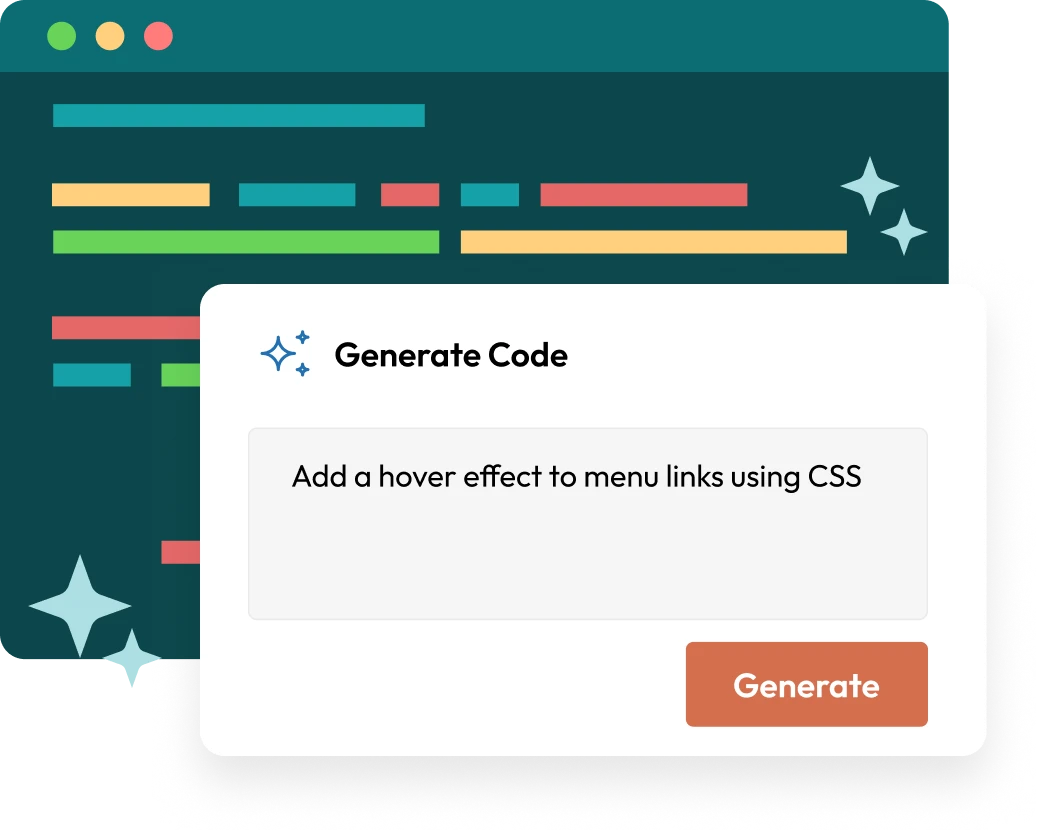
Mention the functionality you want and the technology involved (e.g., "Add a hover effect to menu links using CSS")
Share details about your setup, such as Elementor or Gutenberg, and any relevant theme features
If your solution has size or performance requirements, say so (e.g., "Keep the JavaScript snippet under 10 lines")
Add examples of inputs and expected outputs to clarify your intent
Use terms like "responsive," "lightweight," or "SEO-friendly" to guide the AI.
After generating a snippet, review and test it carefully before applying it to your live site. Any AI, even our carefully trained one, can make mistakes. Tweak the prompt as needed for even better results.

Discover the possibilities of Code Snippets