🚀 Beyond Conditions: 5 Ways to Supercharge Your Workflow with Code Snippets ✂️
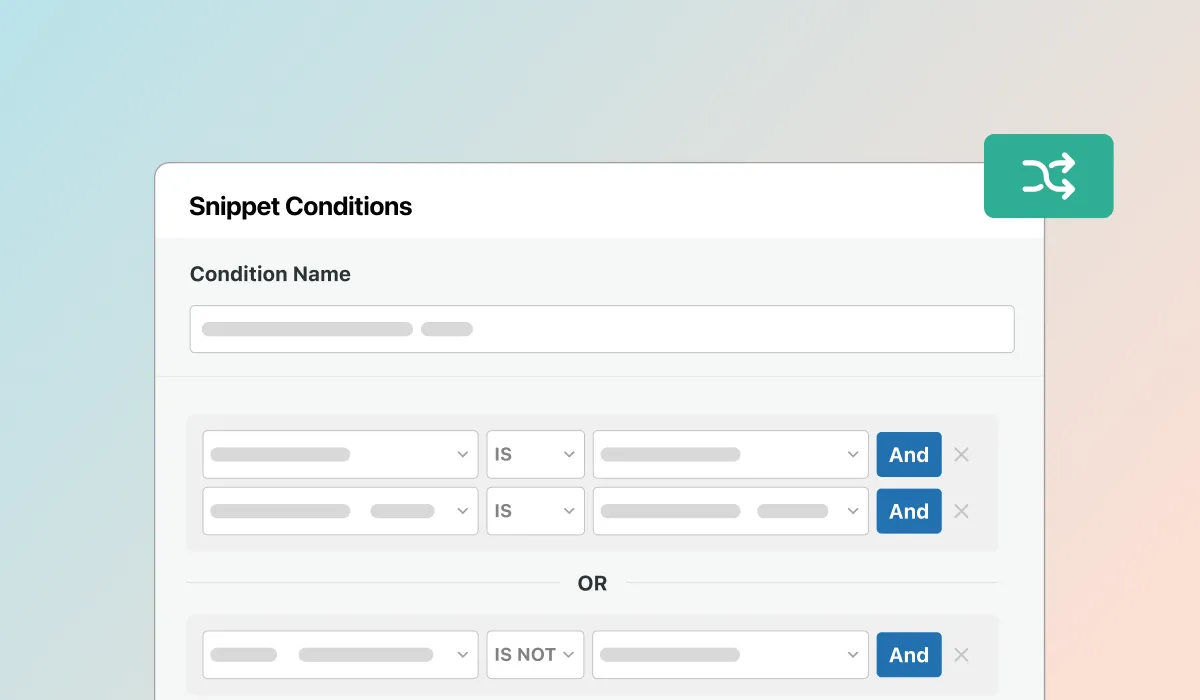
Supercharge Your WordPress snippets workflow with Snippet Conditions – giving you more control than ever over where and when your snippets run.
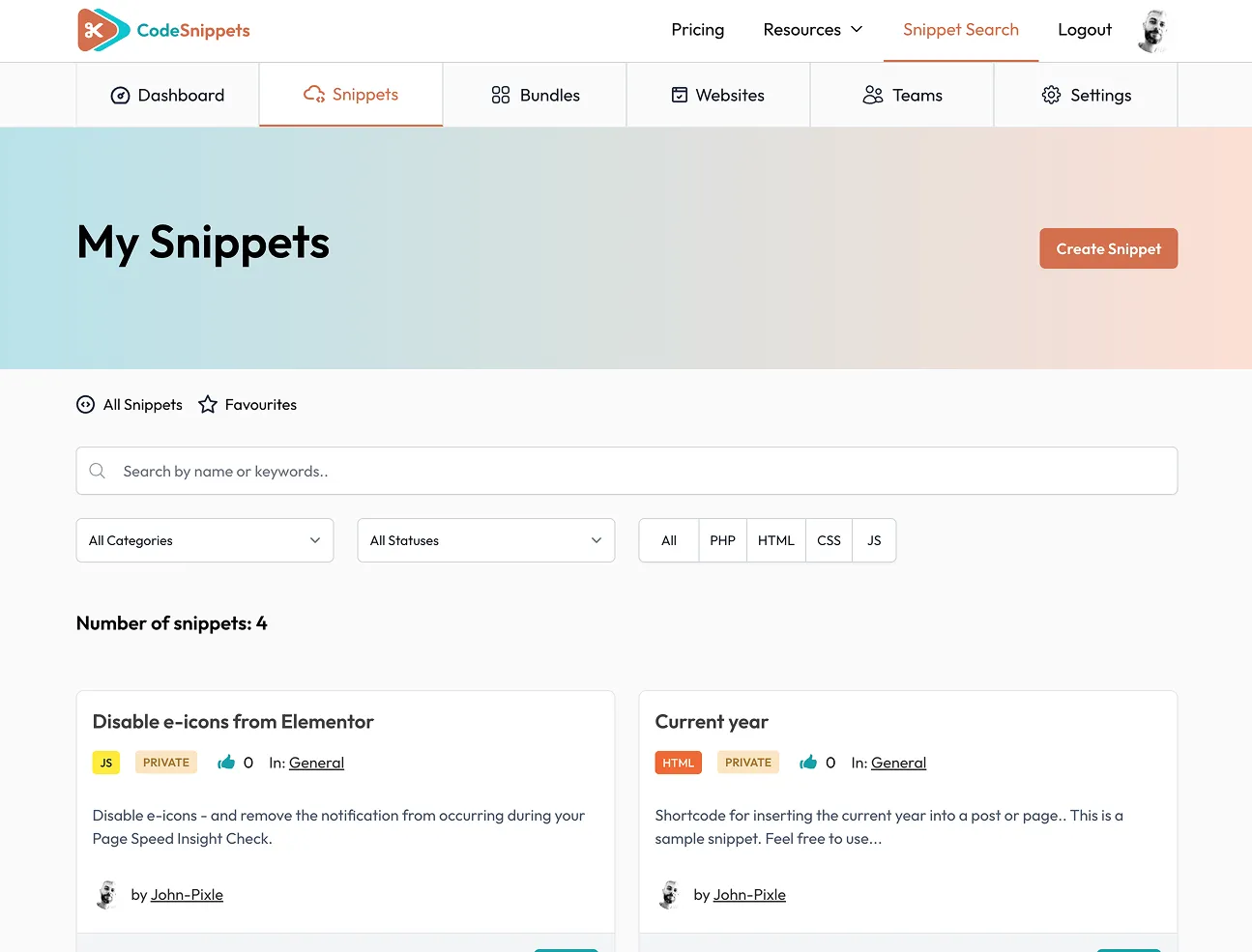
Code Snippets has evolved into a complete ecosystem for creating, managing, and sharing snippets. Whether you’re a hands-on developer, someone who prefers AI assistance, or you’d rather start from ready-made solutions, we’ve got you covered.
Here are just a few powerful ways you can build smarter, faster, and more flexible workflows with Code Snippets:
1. ✍️ Write Code Yourself
Sometimes the best option is the classic one – writing your own snippet. Code Snippets Pro and Cloud make it easy with a streamlined editor, syntax highlighting, and error handling so you can work with confidence.
2. 🔎 Search the Library
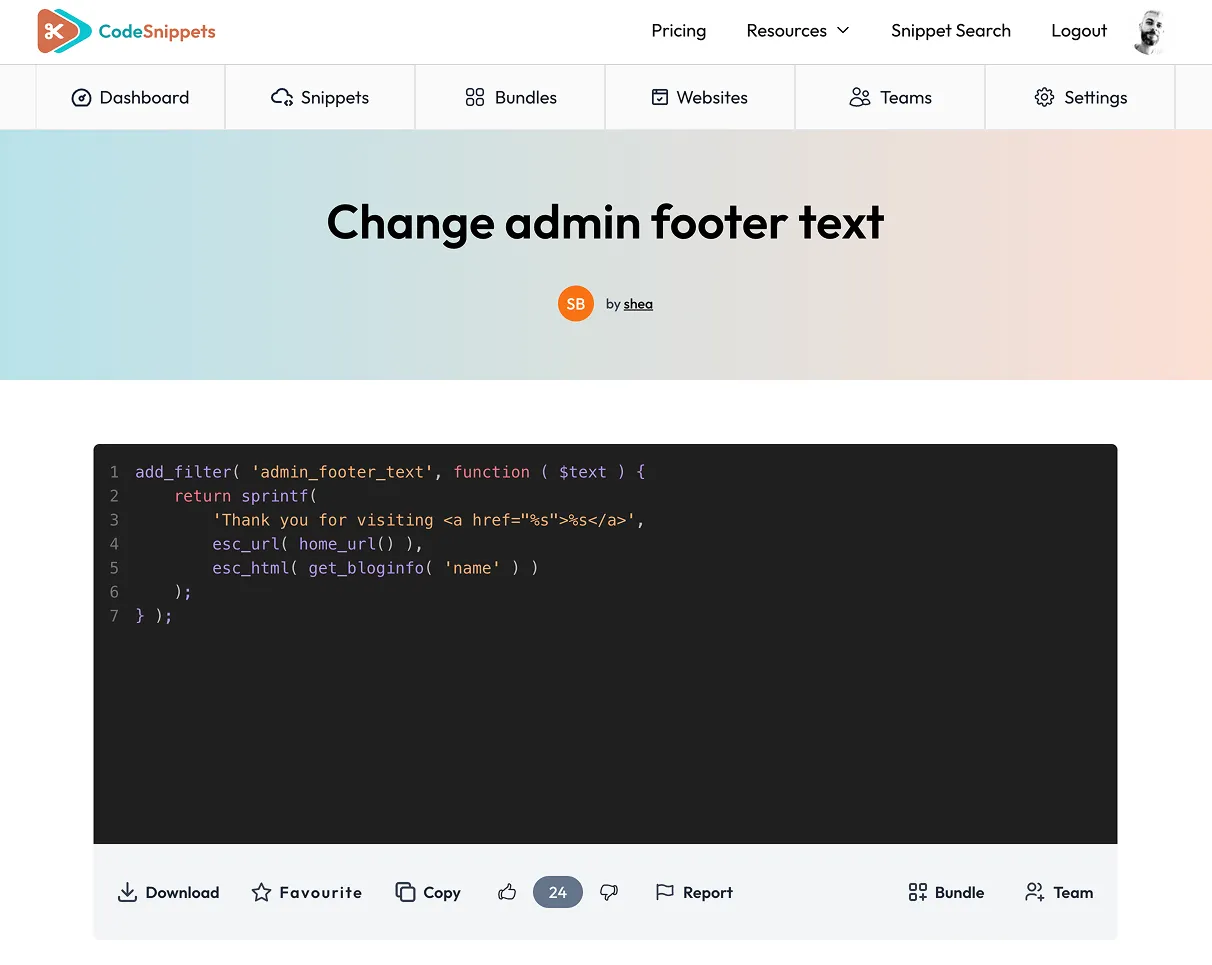
Why start from scratch? With the public snippet library, you can quickly search and install tried-and-tested snippets from the community. It’s a great way to save time, discover new techniques, and even learn from others’ best practices.
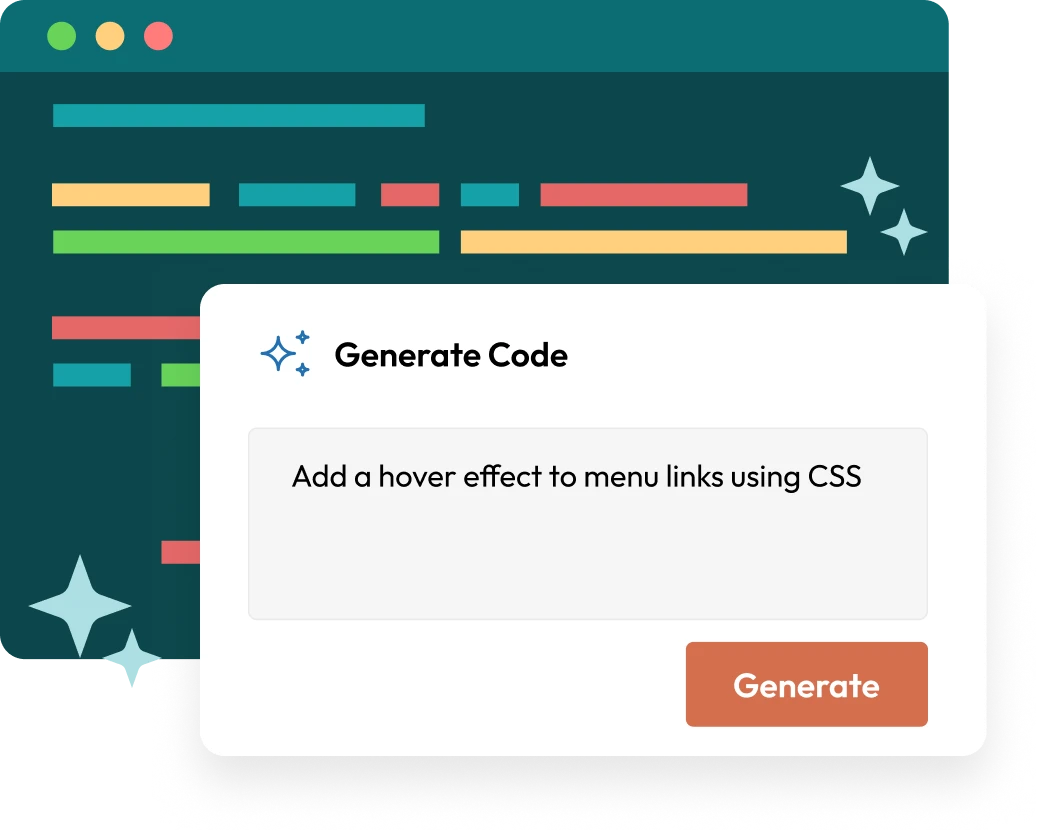
3. 🤖 Generate with AI
Need a head start or stuck on a tricky function? The AI generation tool gives you instant code suggestions. It’s like having a coding partner who can draft snippets on the fly, ready for you to review, tweak, and deploy.
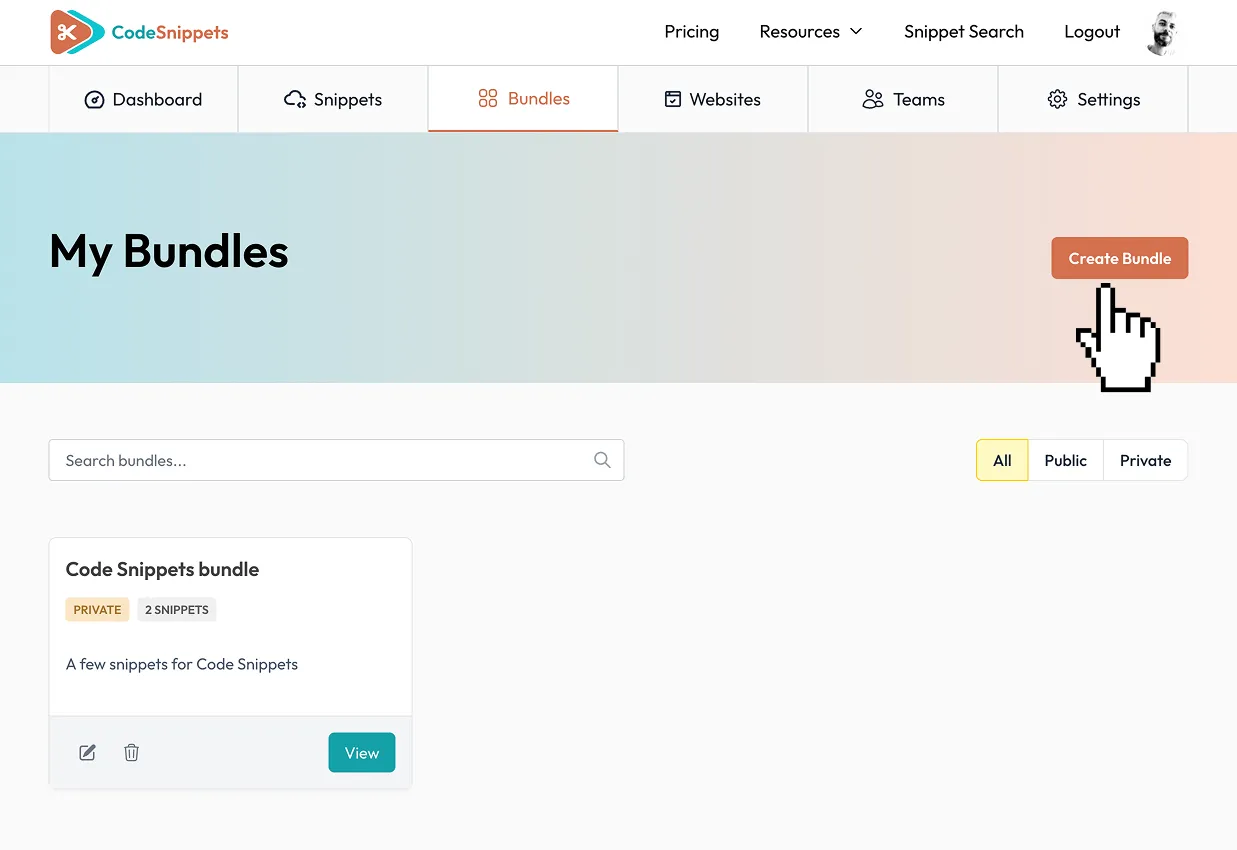
4. 📘 Pick a Bundle
For more complex setups, Bundles are the way to go. Think of them as starter kits: pre-built collections of snippets and configurations designed to solve bigger challenges right out of the box. Install, customize, and launch without piecing it all together yourself.
5. 👩💻 Hire Someone
Not everything needs to be DIY. Inside Code Snippets Cloud, you’ll soon have direct access to trusted developers who can create, customize, or review snippets for you. Whether you’re too busy or need expertise outside your comfort zone, help will be just a click away.
🔍 Why This Matters
With Conditions, AI generation, the Library, Blueprints, and professional support, Code Snippets is becoming more than just a plugin. It’s an all-in-one snippet ecosystem built to adapt to the way you work.
💬 We’d love to hear from you:
👉 How are you using Conditions?
👉 What’s been most helpful for your workflow?
👉 What would you like to see next?
Your feedback directly shapes our roadmap, so don’t hold back. 💙
Catch up on the Conditions release here: Official v3.7 Launch